Know what is connected
Find devices on your local network and explore their IP addresses, available hostnames, manufacturers, and services.
Now available for Mac
 IP Scanner: Network Tools
Discover connected devices, investigate their services, and keep a clearer view of your home or office network with IP Scanner: Network Tools.
Native Mac app · One basic scan free · Pro features available in-app
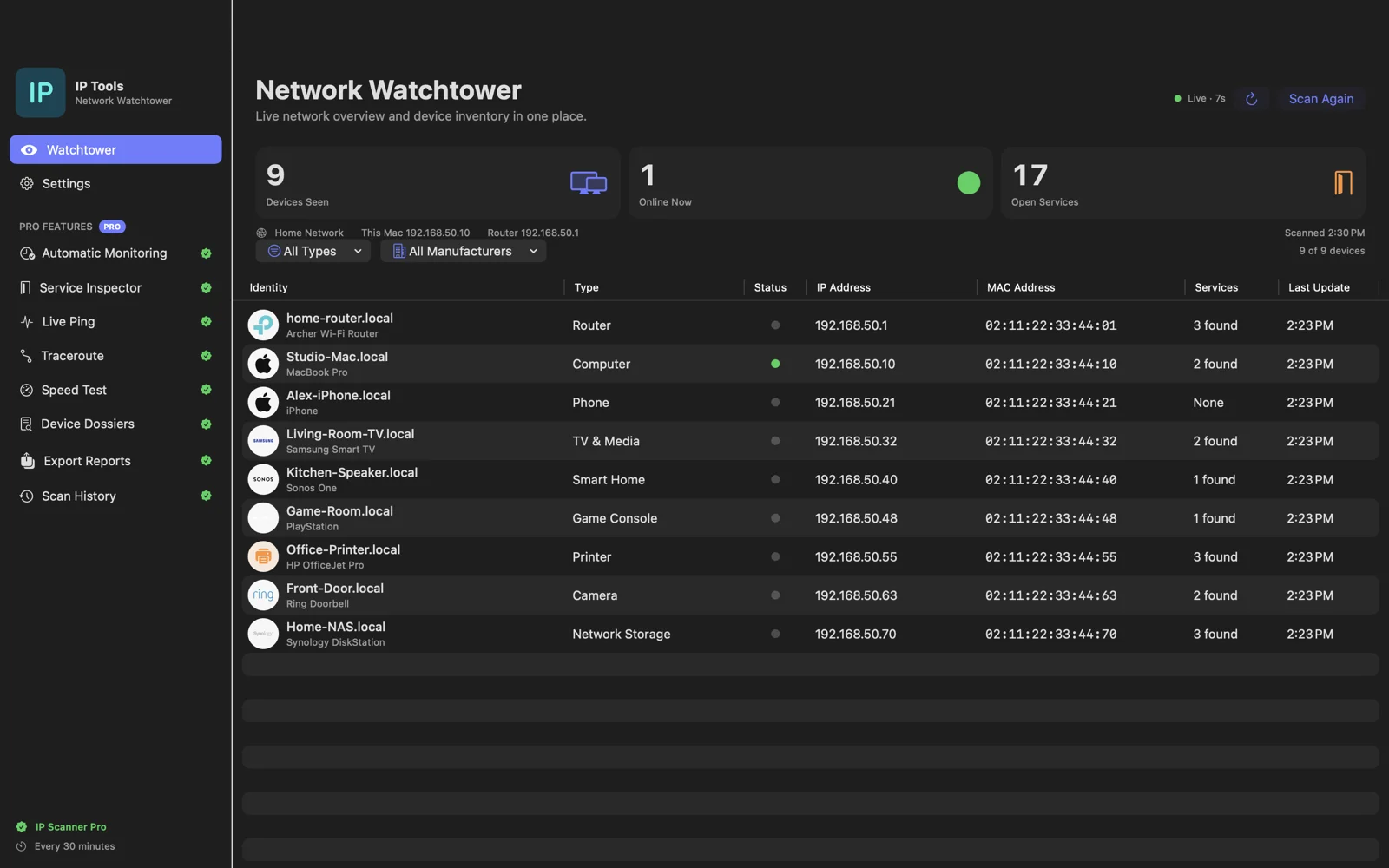
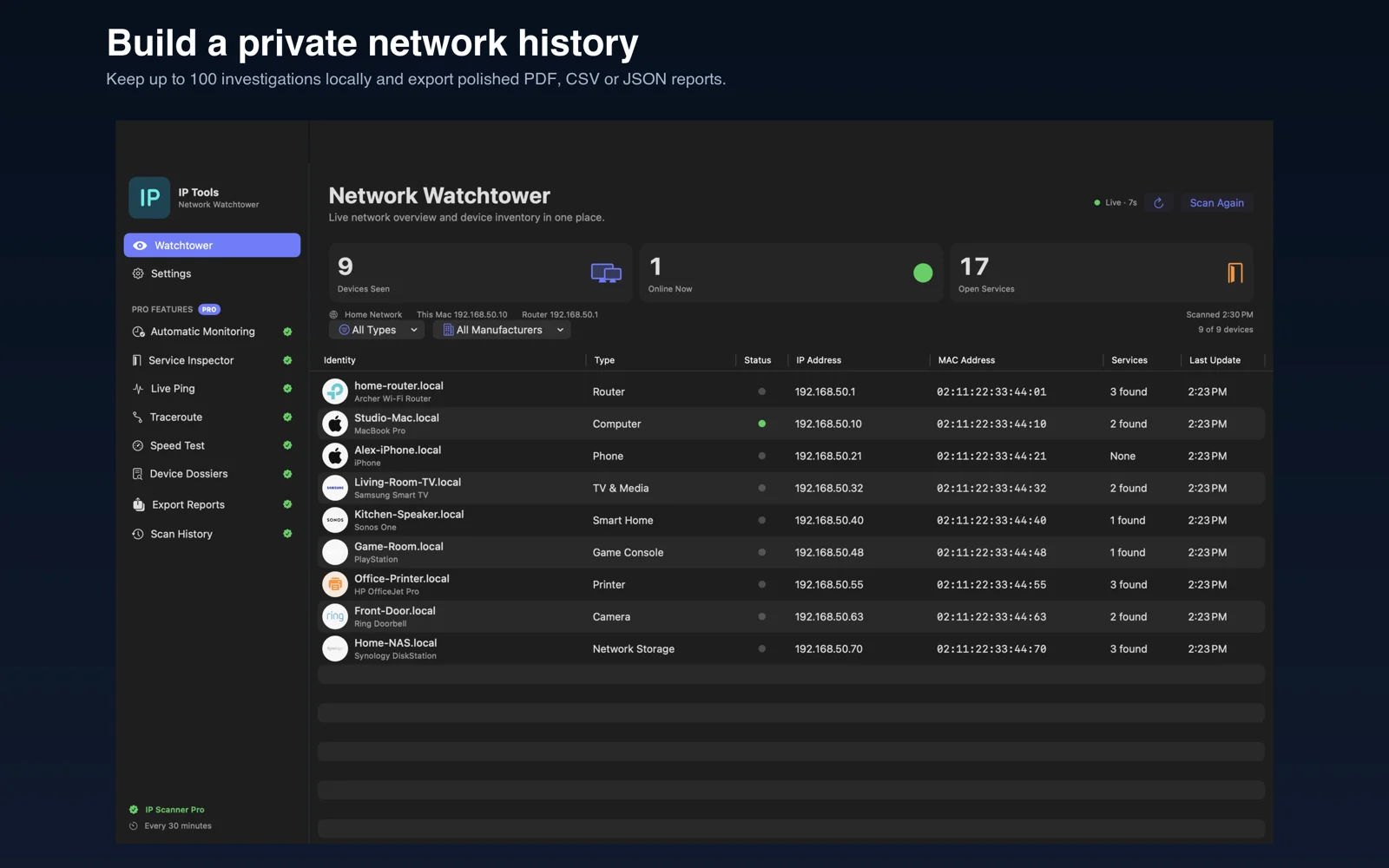
Actual Mac app interface. Screenshots use example network data.
A workspace for your network
Find devices on your local network and explore their IP addresses, available hostnames, manufacturers, and services.
Use Pro device dossiers and common-port inspection to understand the devices and services you discover.
Pro automatic monitoring and local scan history help you revisit changes while the Mac app is running.
Inspect devices, check network presence, and review what has changed without switching between disconnected tools.
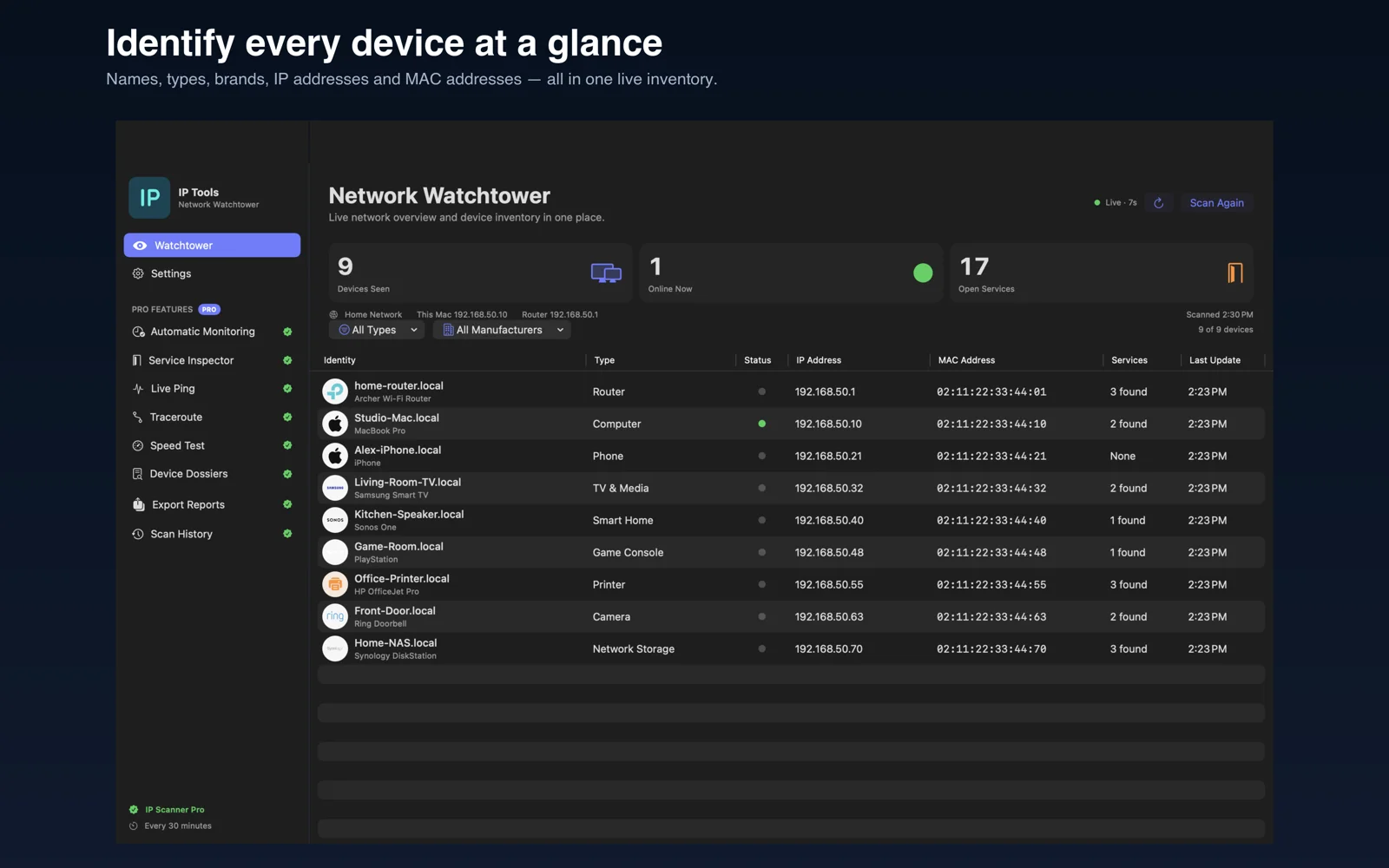
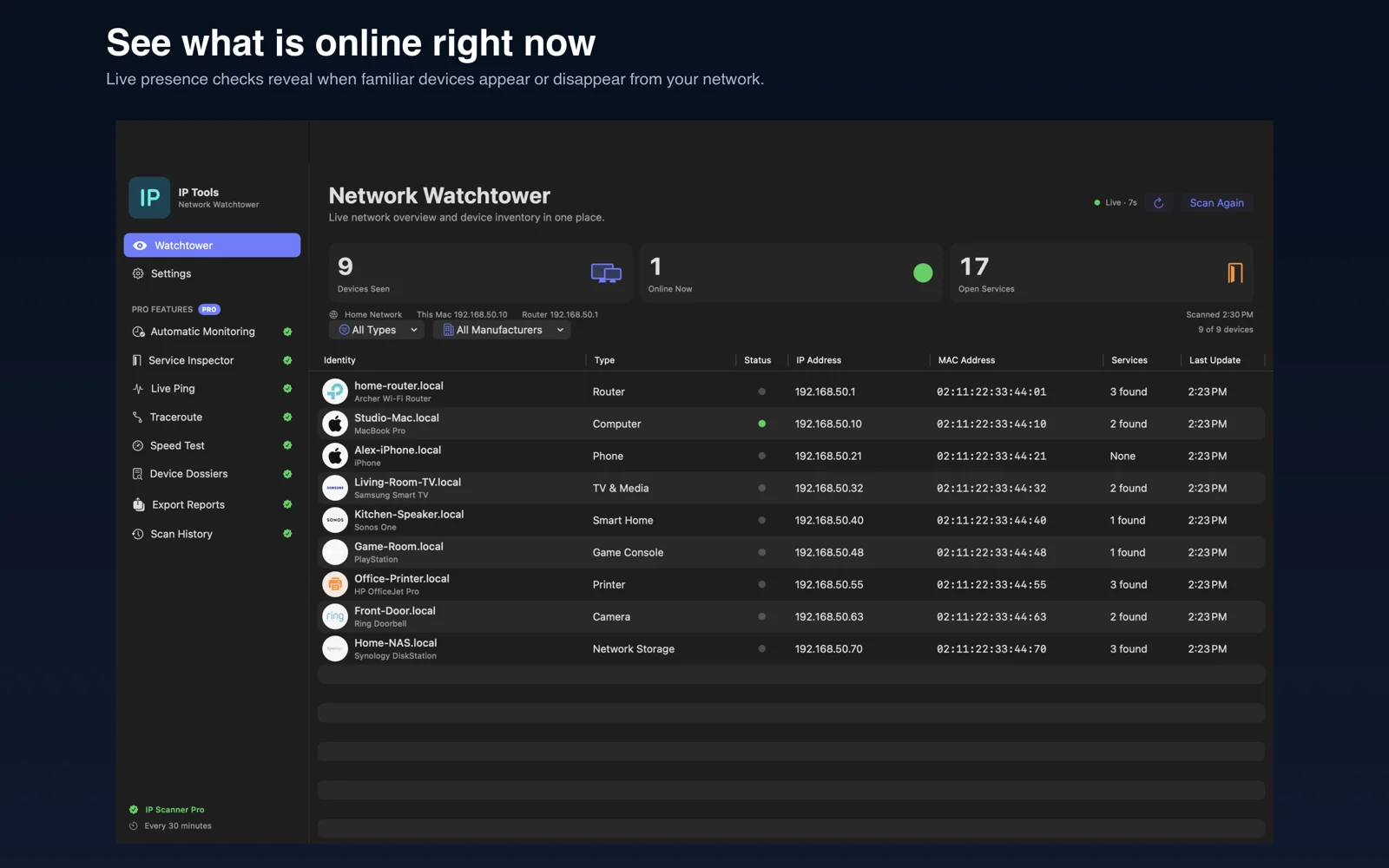
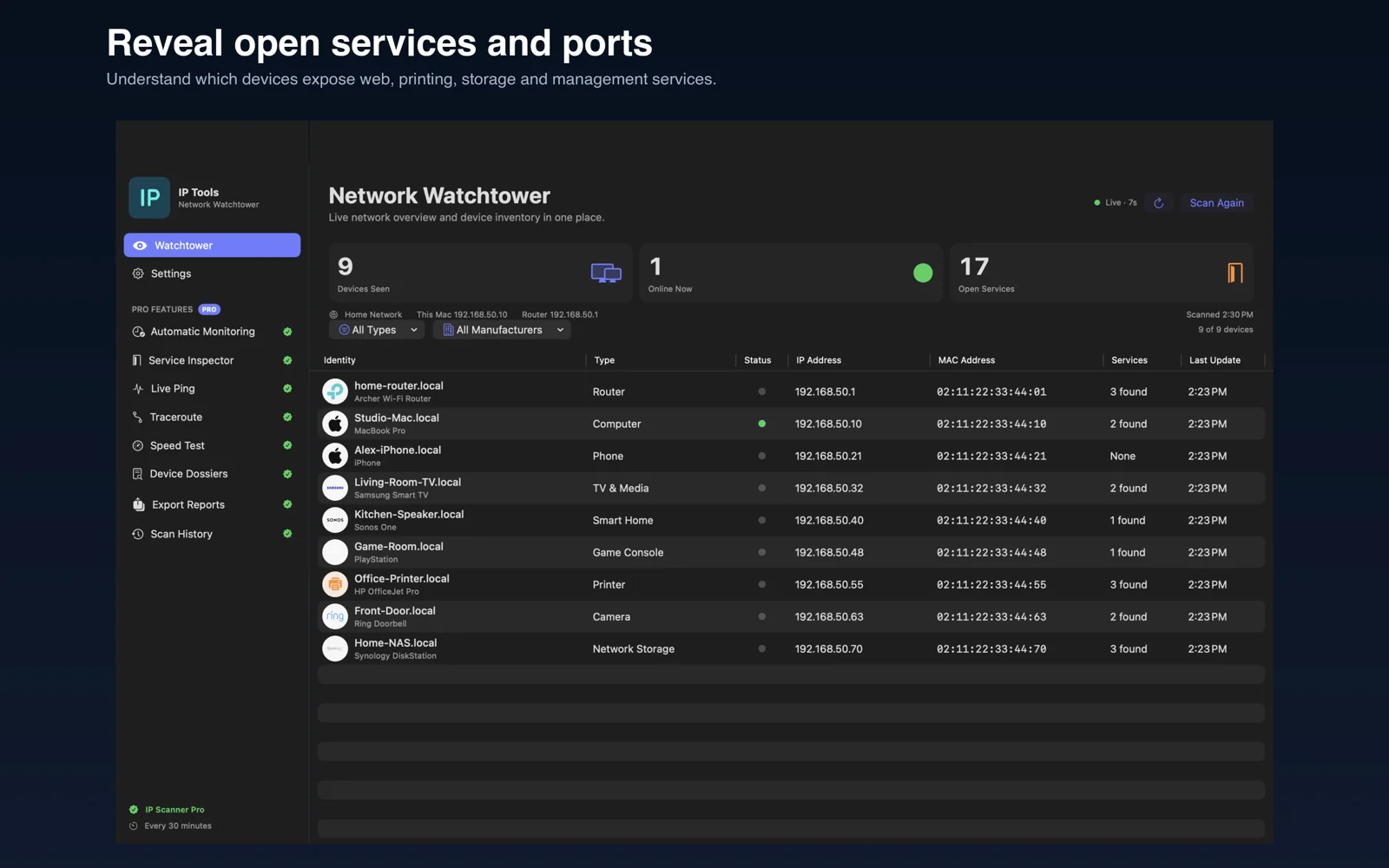
| Access | What you get |
|---|---|
| Free preview | One basic scan of your connected local network. |
| IP Scanner Pro | Unlimited scans, automatic monitoring, common-port inspection, full device dossiers, and scan history. |
Device identification depends on what each device exposes on your network. Purchase options and prices appear inside the app.
Download the Mac app and run one basic network scan. Pro unlocks unlimited scanning, automatic monitoring, port inspection, full device dossiers, and scan history. Current purchase options are shown inside the app.
The scanner discovers devices on the local network your Mac is connected to. It does not scan every network nearby or remotely scan someone else’s network. Only scan networks you own or have permission to manage.
The app helps you investigate devices and services. It does not block devices or change router settings. Manage access through your router if you find a device you do not recognize.
This Mac release keeps network scan results and history locally on your Mac. iPhone sync is not enabled in this release.
Start with a basic scan. Explore more with IP Scanner Pro.
Free download · In-app purchases · See the App Store for compatibility.