Connect your Mac
Join the Wi-Fi or Ethernet network you want to inspect. The app scans your connected local network.
Network scanner for macOS
Turn a list of IP addresses into a useful picture of your local network. Find computers, phones, printers, cameras, and smart-home devices from your Mac.
One basic scan free. Advanced investigation and ongoing monitoring require Pro.
See the devices behind the addresses
Review discovered IP addresses, available device names, and identity clues in one native Mac workspace. Pro gives you deeper dossiers and service inspection to investigate unfamiliar devices.
Some devices reveal less information than others. Names, manufacturers, and services depend on what your network makes available.
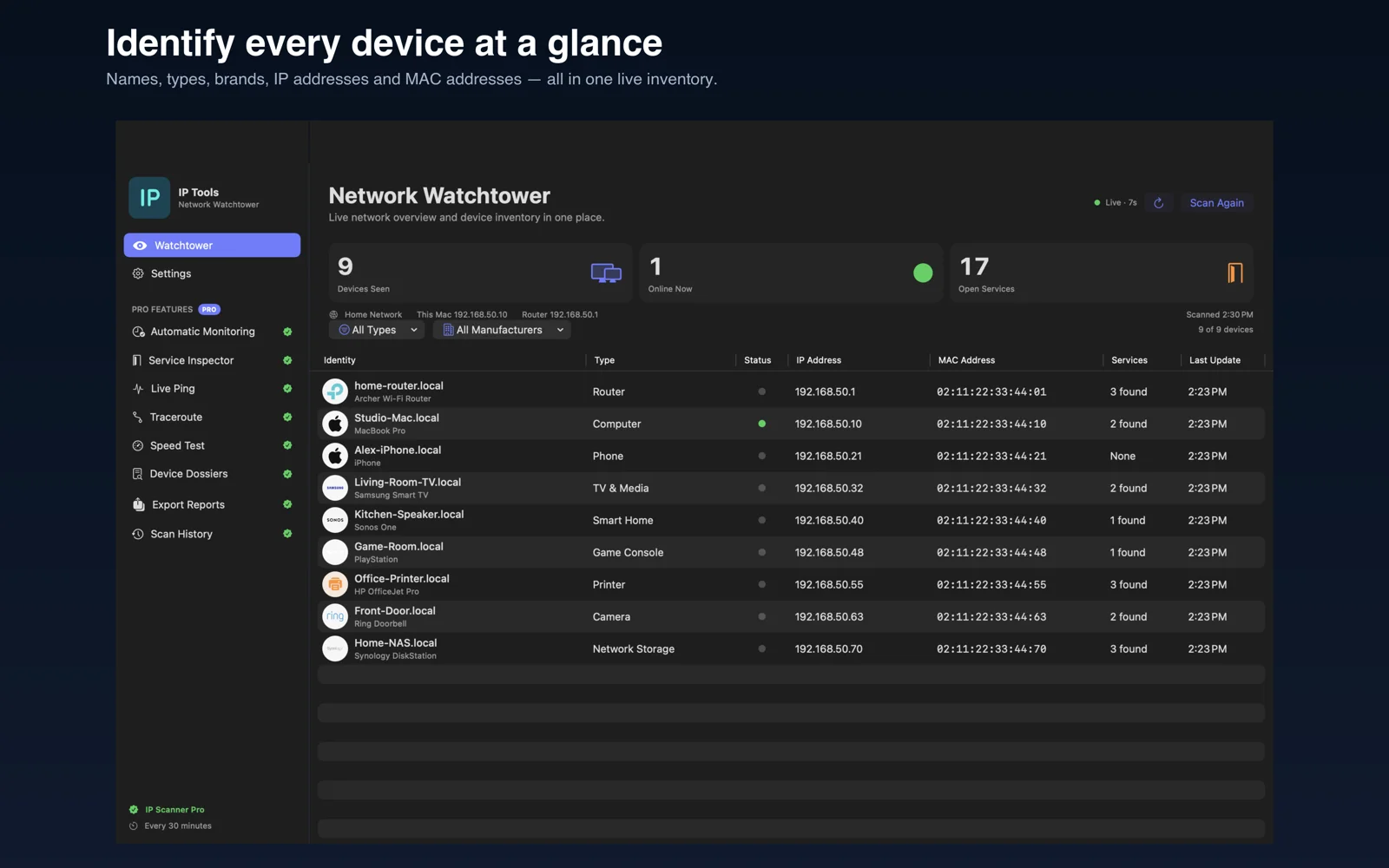
Join the Wi-Fi or Ethernet network you want to inspect. The app scans your connected local network.
Open IP Scanner and choose Scan Network. Allow Local Network access when macOS asks so the app can discover devices.
Review the device inventory. Upgrade to Pro for full dossiers, common-port inspection, repeated scans, and automatic monitoring.
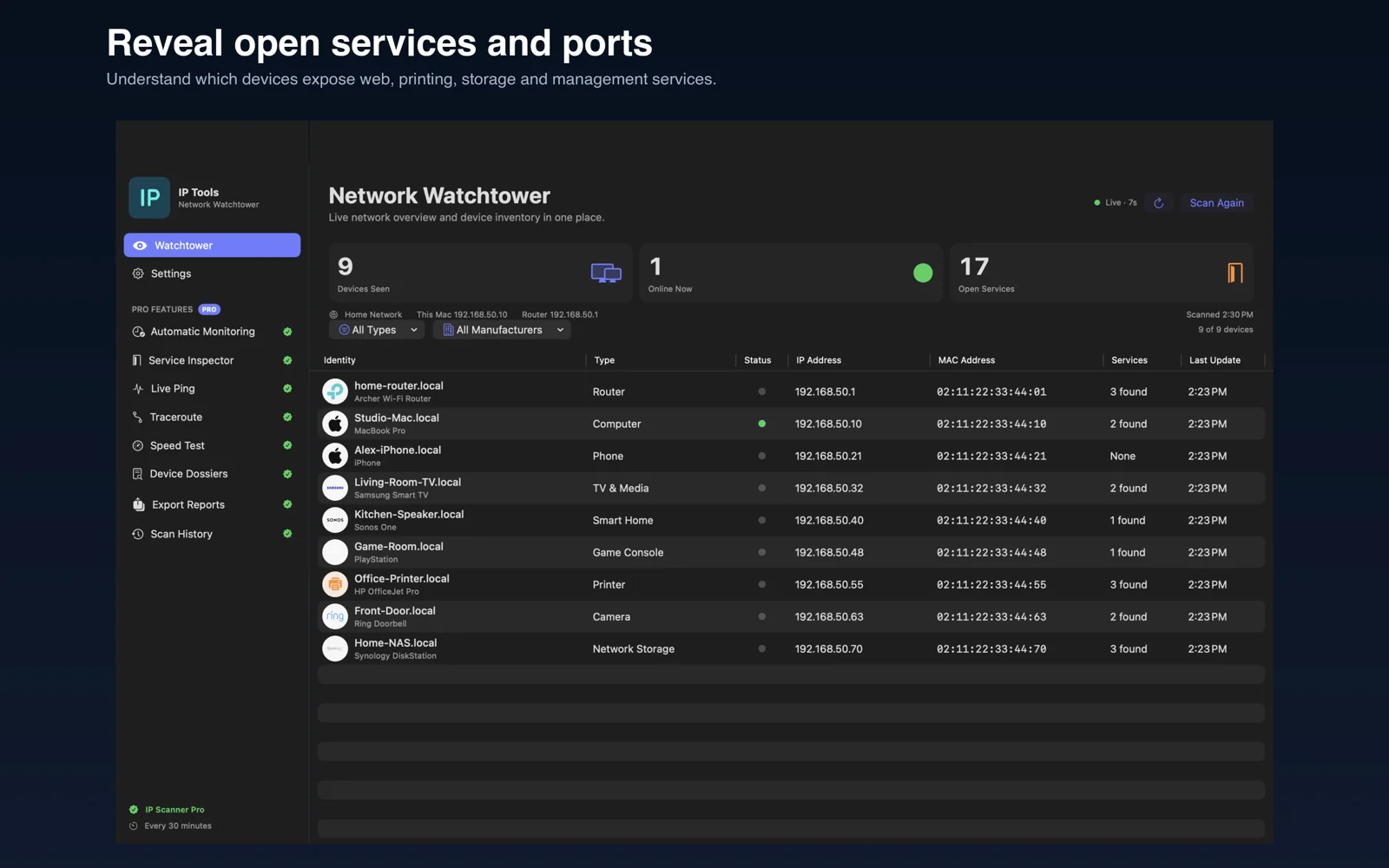
Make discovery useful
Locate your printer or NAS, investigate a device you do not recognize, and check which common services respond. With Pro, keep local scan history and export reports when you need a record.
Automatic monitoring runs while the app is running. It is a practical way to watch for changes, rather than a guarantee that every device will always respond.
Download the Mac app and run one basic network scan. Pro unlocks unlimited scanning, automatic monitoring, port inspection, full device dossiers, and scan history. Current purchase options are shown inside the app.
The scanner discovers devices on the local network your Mac is connected to. It does not scan every network nearby or remotely scan someone else’s network. Only scan networks you own or have permission to manage.
The app helps you investigate devices and services. It does not block devices or change router settings. Manage access through your router if you find a device you do not recognize.
This Mac release keeps network scan results and history locally on your Mac. iPhone sync is not enabled in this release.
Start with a basic scan. Explore more with IP Scanner Pro.
Free download · In-app purchases · See the App Store for compatibility.